Every account starts with a 30-day full trial

A calm home for your work.

Plan your days side by side, focus without the noise, and end each week feeling on top of things. Ritsuban brings the quiet, deliberate rhythm of calm productivity to your whole to-do list.

No credit card · 30-day full trial · Mac (beta) & web — iPhone and Android in testing
app.ritsuban.com
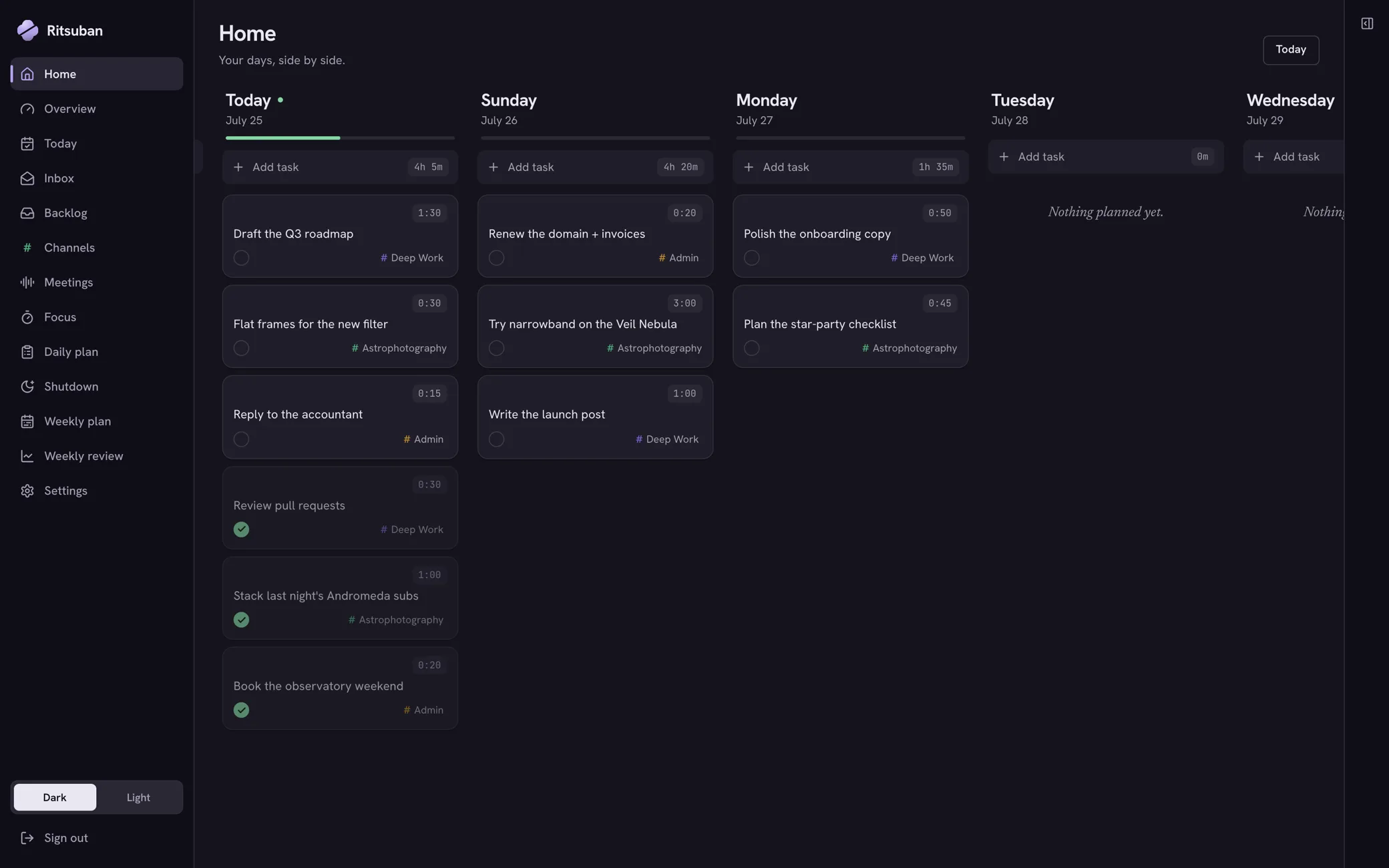
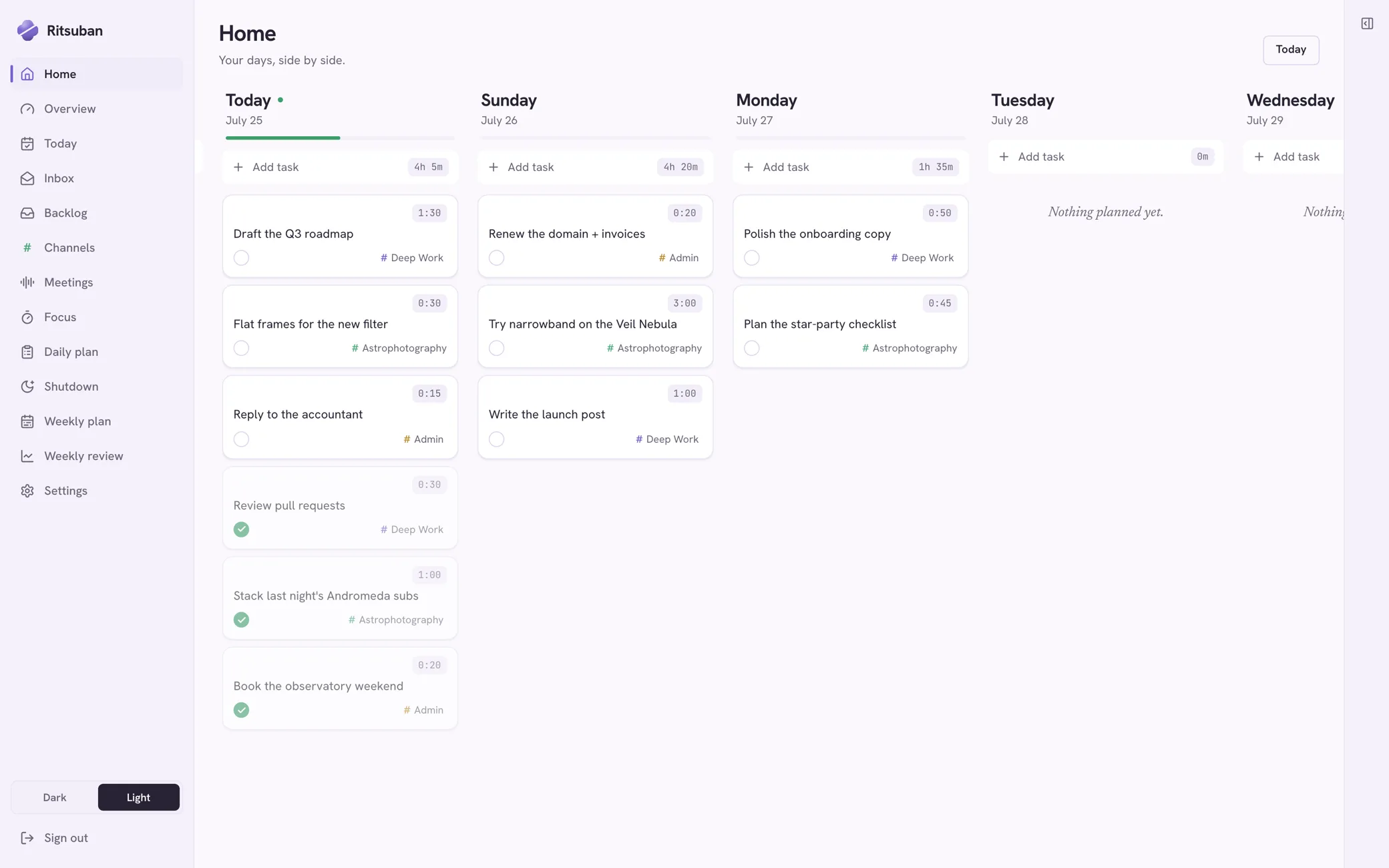
The Ritsuban board: day columns side by side, each with its tasks, time estimates, channel tags, and a progress bar. Three tasks are already checked off today.
Focus

Work in one quiet block.

A Pomodoro timer tied to the task in front of you. Pick one thing, start the block, and Ritsuban logs the time for you — the day's numbers add themselves up.
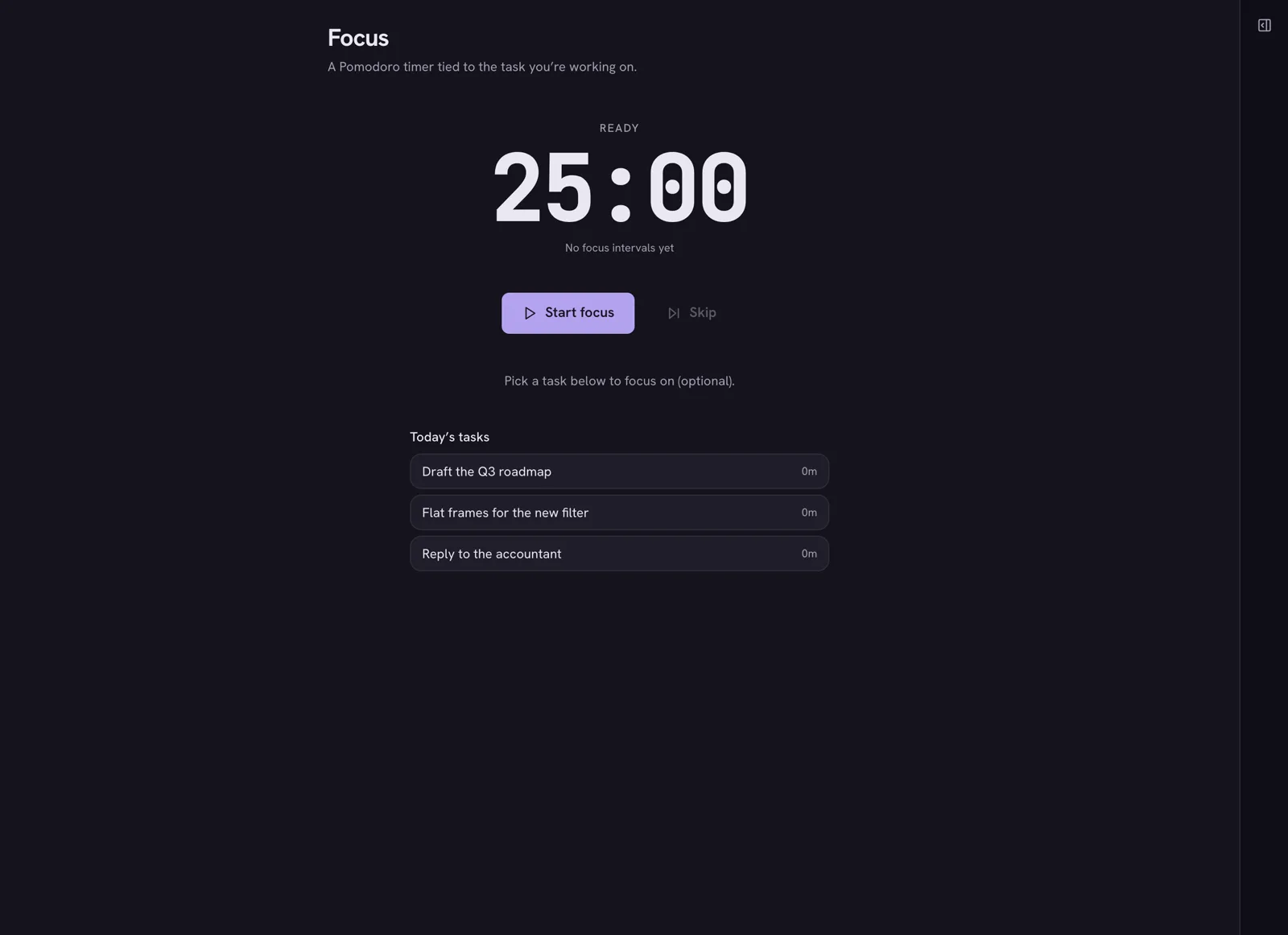
The Focus screen: a large 25:00 timer ready to start, with today's tasks listed below to attach the session to.
Backlog

Someday, sorted by how soon.

Someday, Maybe, Partial — three honest shelves instead of one endless list. When a task's moment arrives, one click sends it to Today.
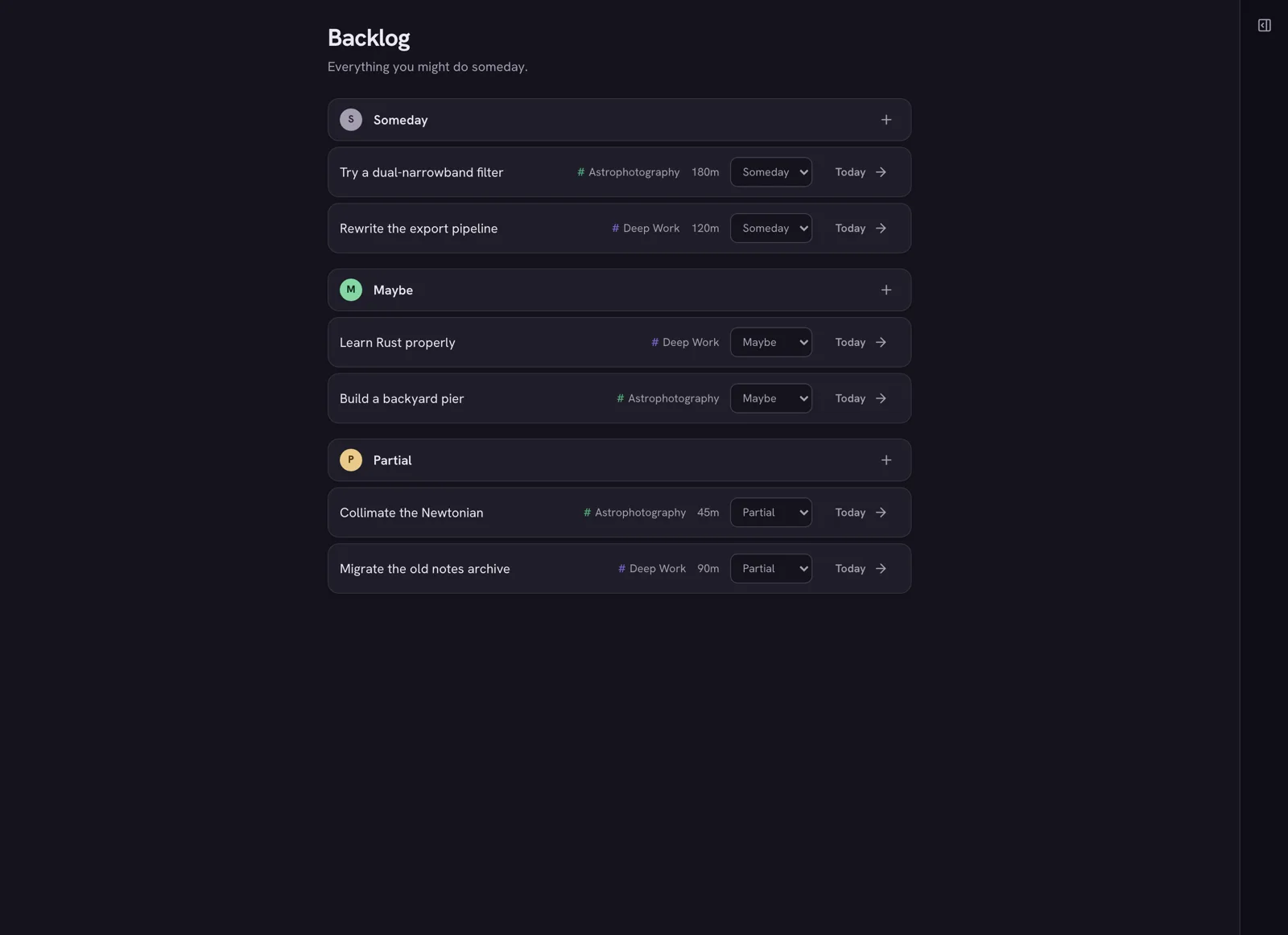
The Backlog screen with three sections — Someday, Maybe, and Partial — each holding tasks with channel tags and estimates, and a Today button on every row.
Rituals

See where the day actually went.

Open with a daily plan, close with a shutdown. Planned against actual, every day, and a gentle weekly review to carry the right things forward. No guilt — just the number.
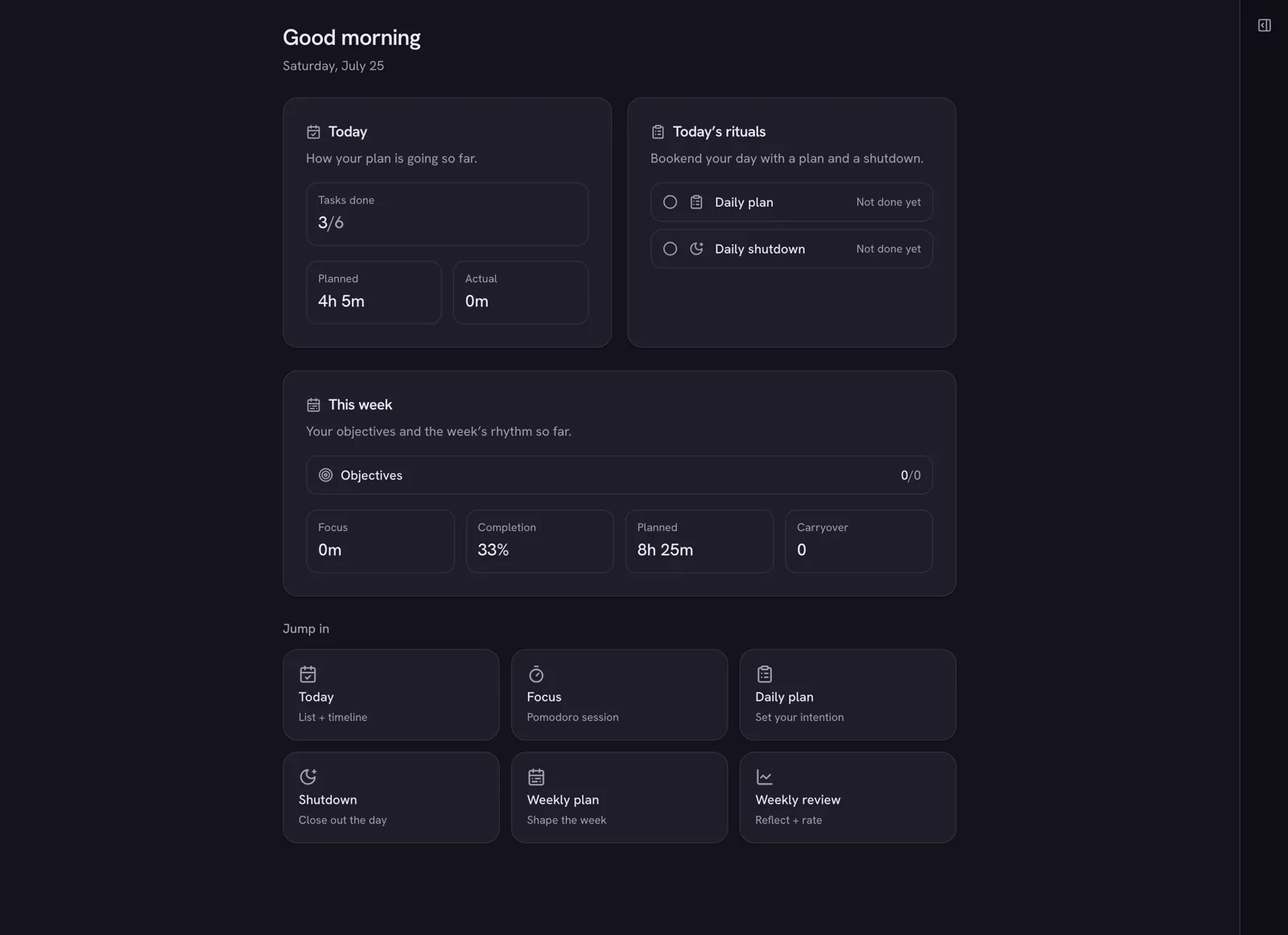
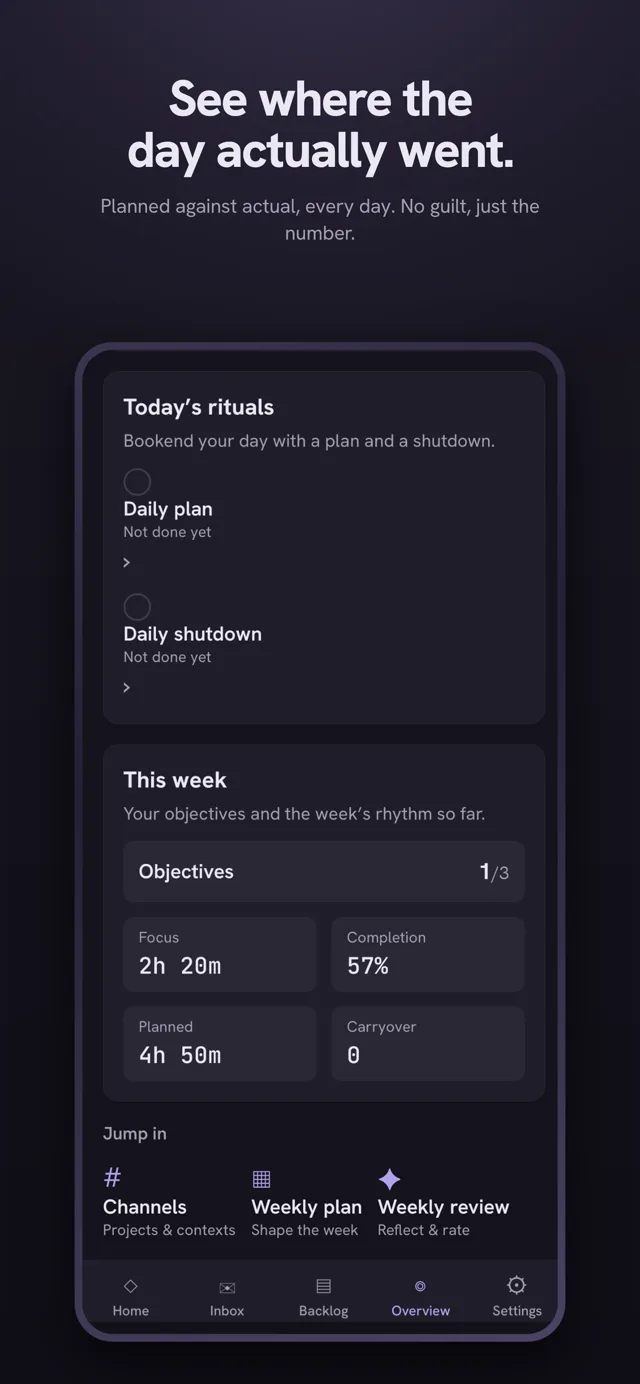
The Overview screen: today's tasks done count, planned versus actual time, daily plan and shutdown rituals, and this week's objectives with completion stats.

Coming to iPhone & Android.

The mobile apps are in testing now, on their way to the App Store and Google Play. Leave your email and you'll be first in when the public beta links open up.

No spam — one email when the beta opens.

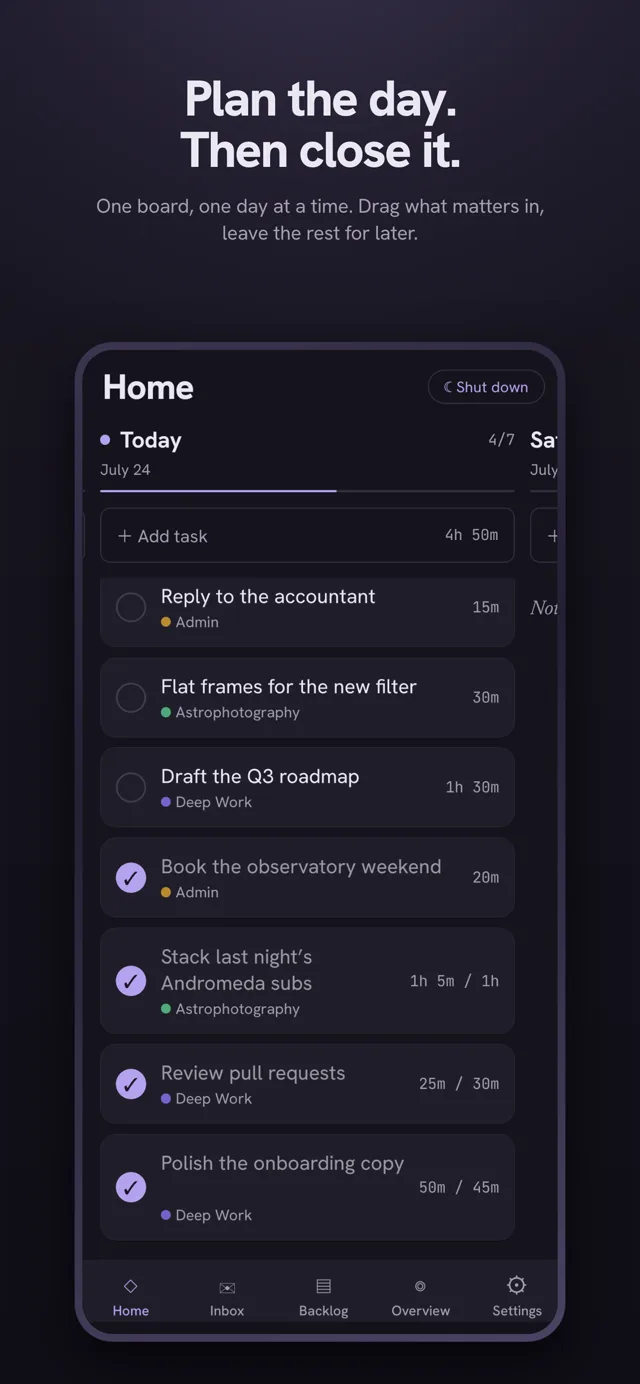
Mobile app screenshot titled “Plan the day. Then close it.” — one board, one day at a time: today's task list with estimates, channels, and completed items checked off.
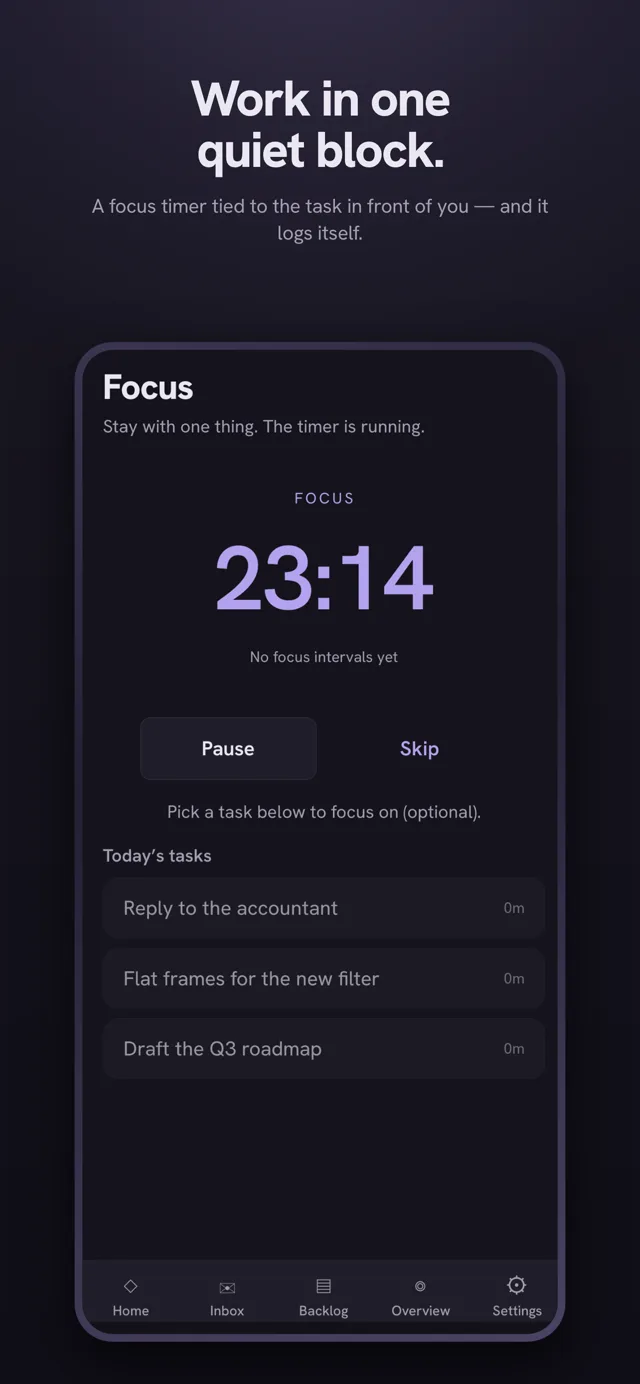
Mobile app screenshot titled “Work in one quiet block.” — a running focus timer at 23:14 tied to the task in front of you, with today's tasks to pick from.
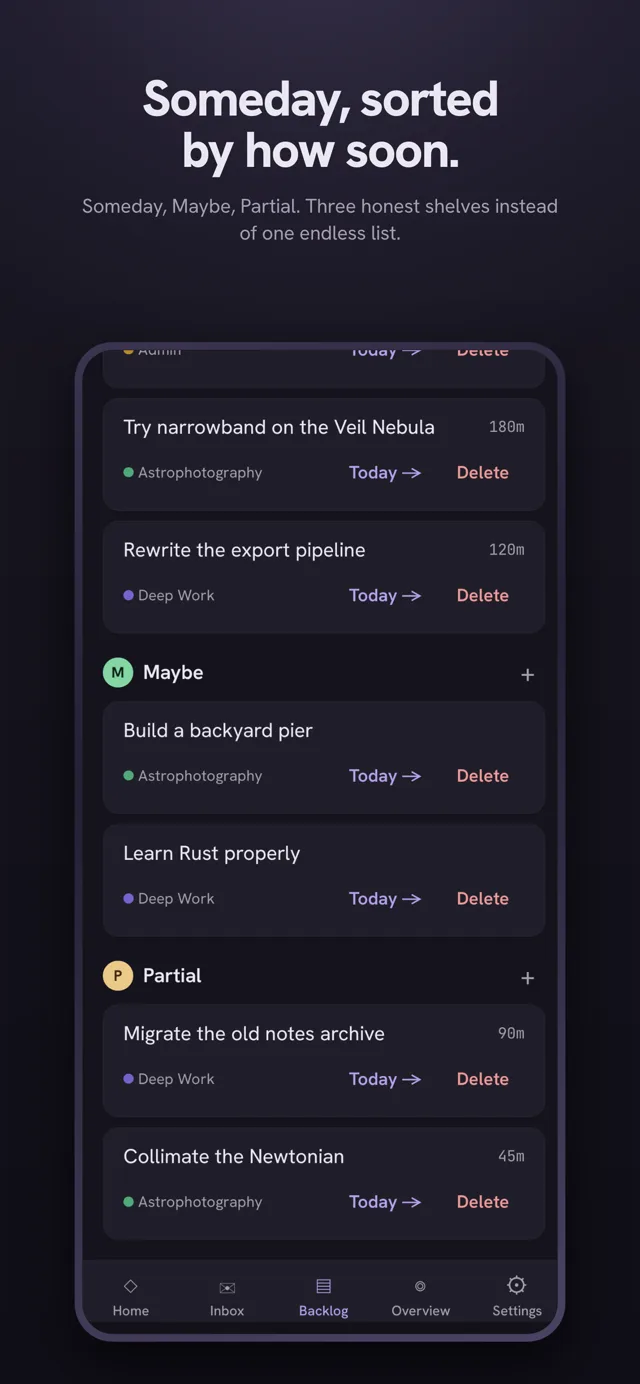
Mobile app screenshot titled “Someday, sorted by how soon.” — the backlog's Someday, Maybe, and Partial shelves, each task one tap from Today.
Mobile app screenshot titled “See where the day actually went.” — today's rituals, weekly objectives, focus and completion stats.
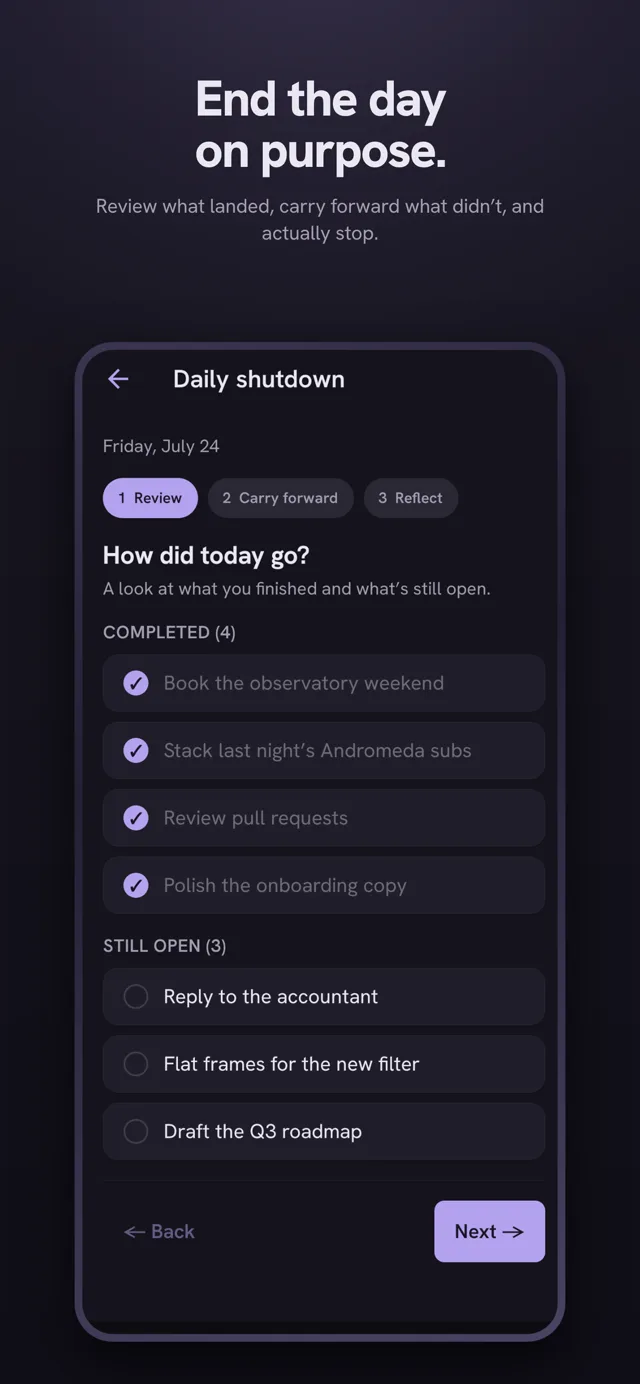
Mobile app screenshot titled “End the day on purpose.” — the daily shutdown reviewing what landed and carrying forward what didn't.